User Guide
Installation & Setup
- Download and Open the App:
Download the app from the releases page and launch it. The main app is required to contain the extension. - Enable the Extension:
Go toSystem Settings>Privacy & Security>Extensions>Xcode Source Editor.
Check the box next to CodeFormatter. - Restart Xcode:
If Xcode was running, restart it to load the new extension.
Usage
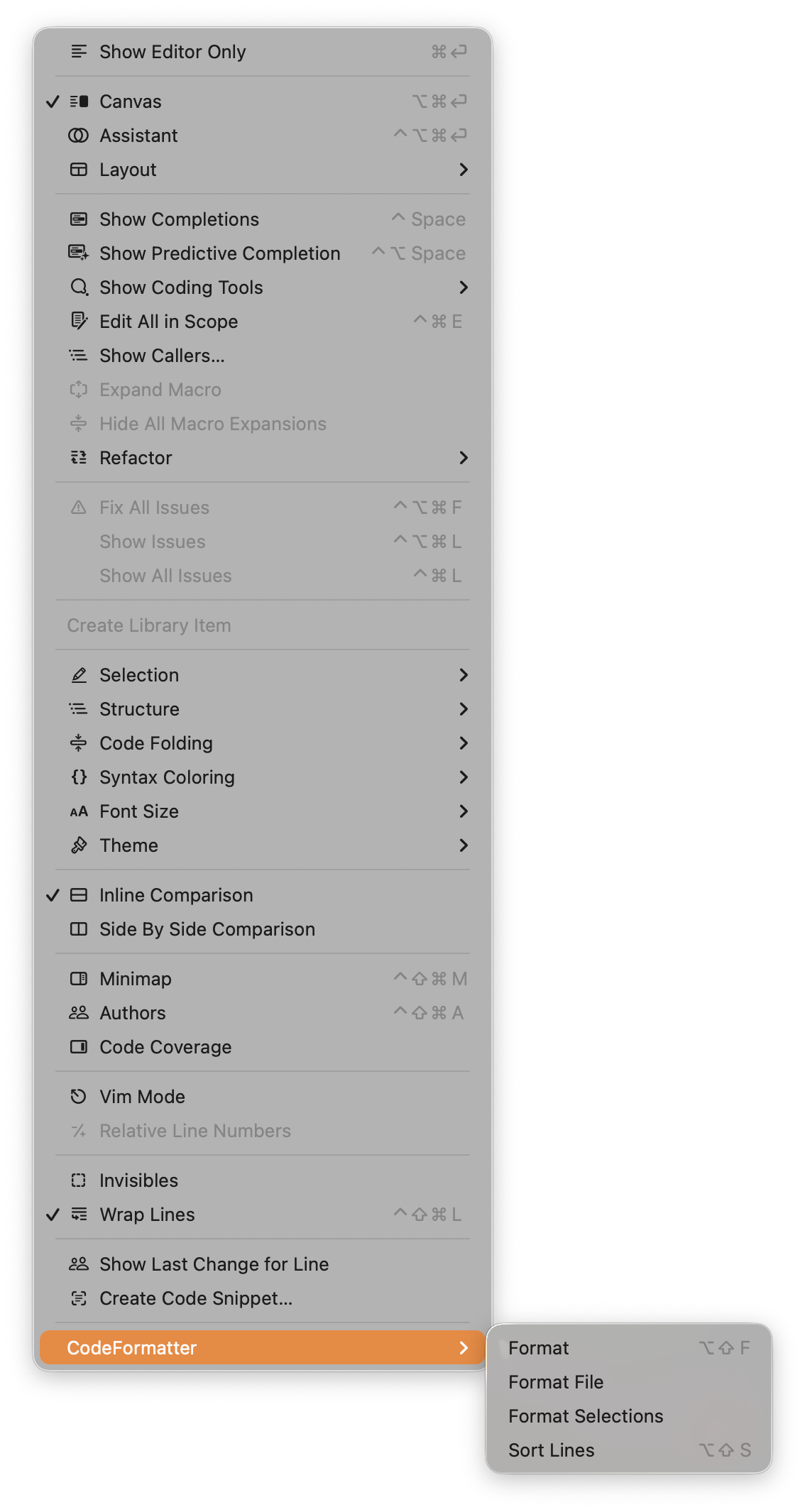
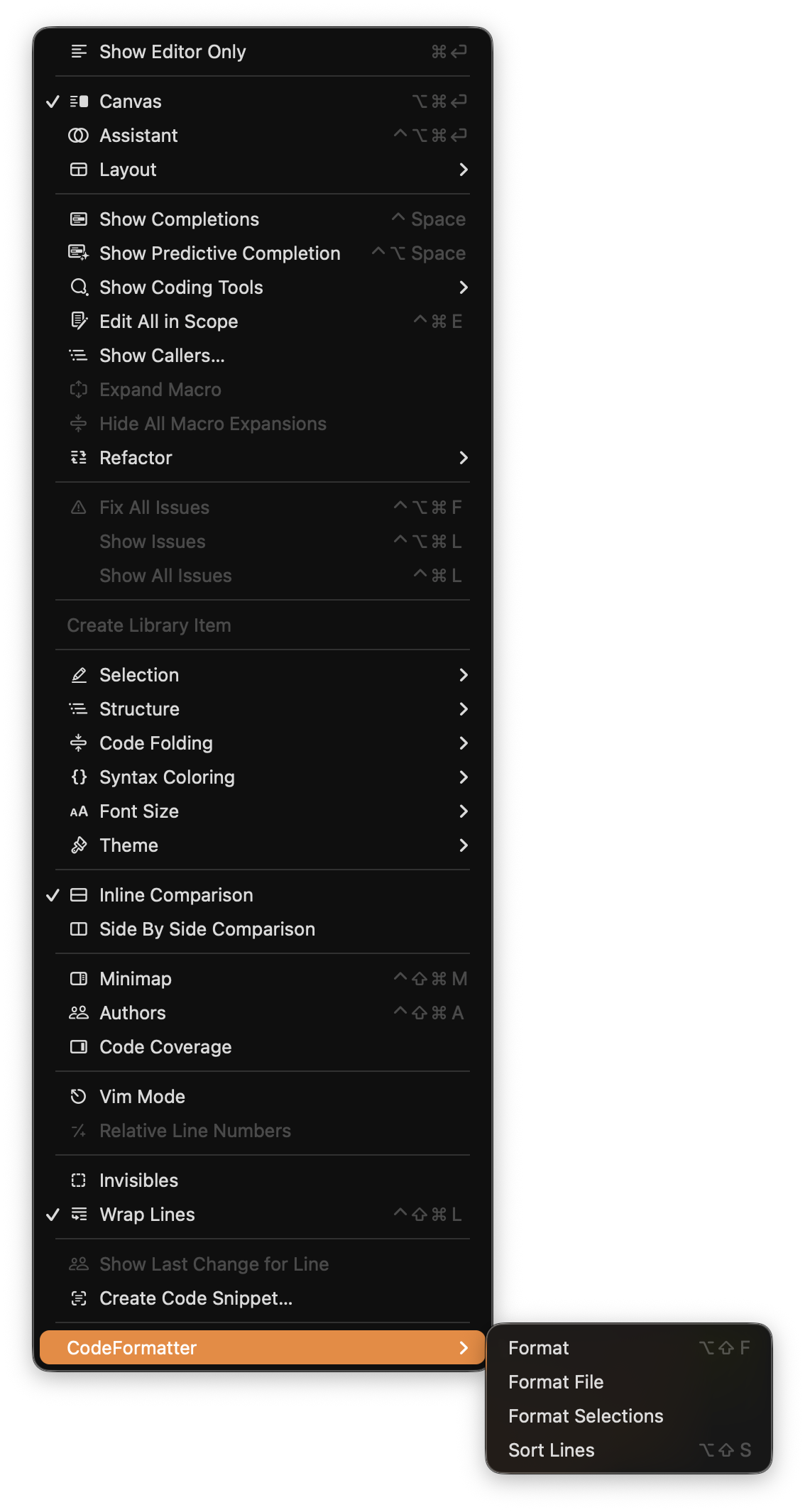
Once enabled, you can access the formatter directly within Xcode.
- Open a source file (Swift, C, C++, etc.).
- Go to
Editor>CodeFormatterin the menu bar. - Select
Format Fileto format the entire document. - Select
Format Selectionto format only the selected lines.
Keyboard Shortcuts
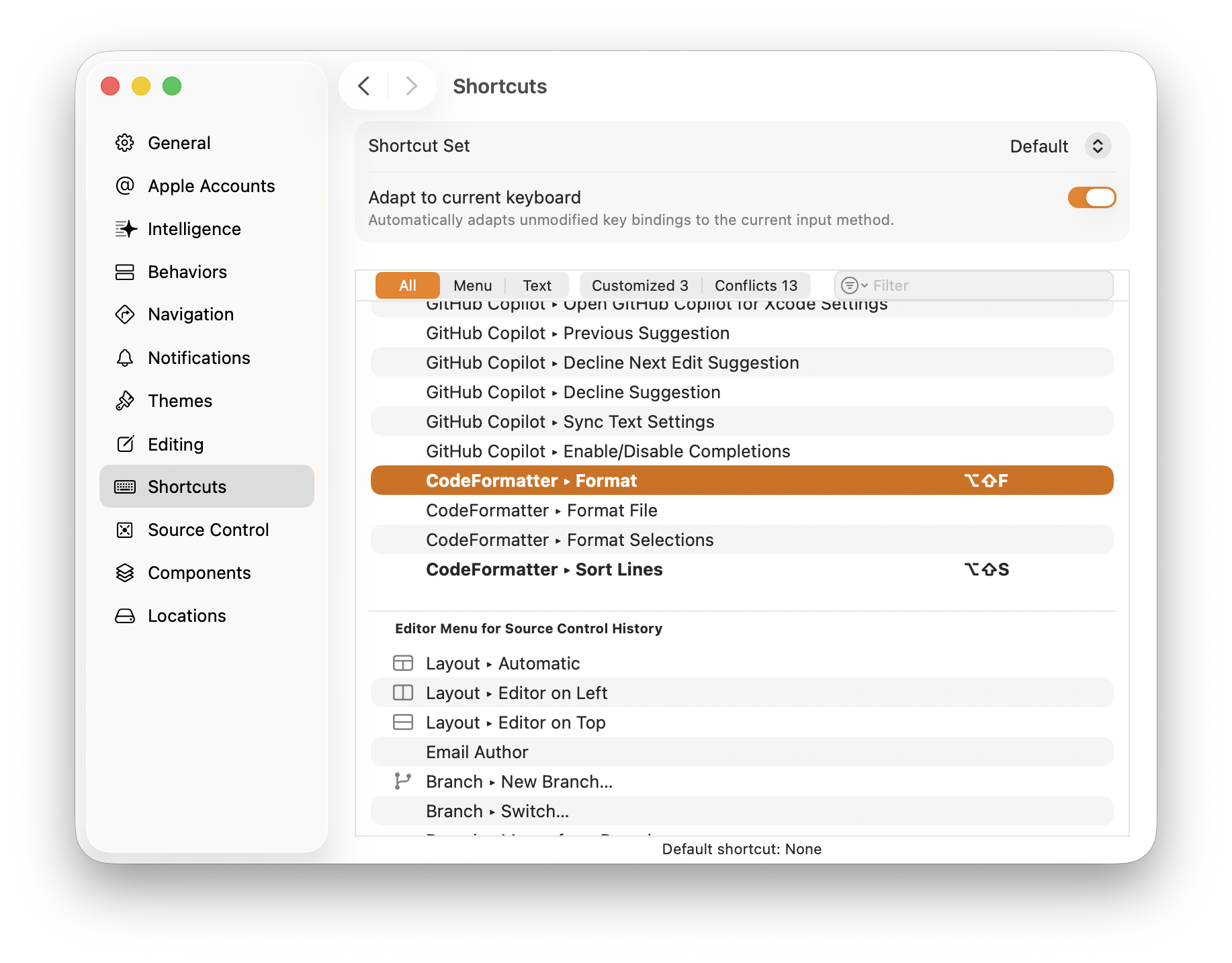
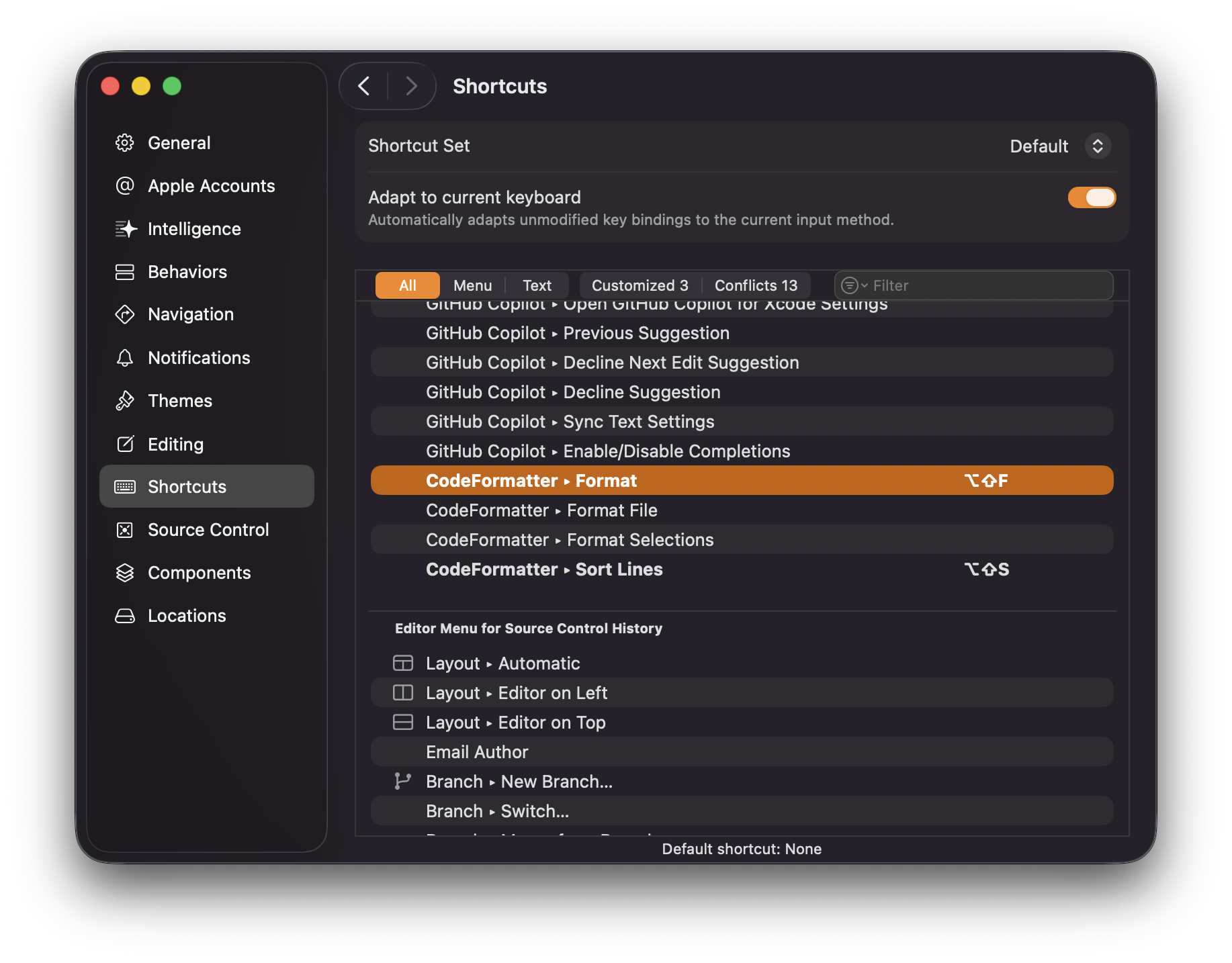
To speed up your workflow, assign a keyboard shortcut:
- Open Xcode
Settings(Cmd + ,). - Go to the
Key Bindingstab. - Filter for “CodeFormatter”.
- Double-click the key column next to the command you want (e.g., Format File).
- Press your desired key combination (e.g.,
Cmd + Shift + F).